
TinyTask Features
A complete breakdown of every capability inside the 36 KB TinyTask macro recorder. From action recording and playback monitoring to compile-to-EXE distribution and custom toolbar support.
Action Recording & Inspection
Record & Replay Every Action
Hit the record button or press Ctrl+Shift+Alt+R and TinyTask captures every mouse movement, click, and keystroke in real time. Press play to replay the full sequence at the exact same coordinates and timing.
The recording is stored as a lightweight .rec file that you can save, share, or reload later. Playback accuracy stays consistent across sessions because TinyTask records absolute screen positions. Inspect your captured sequence by saving and reloading .rec files before sharing.
- ✓ Global hotkey Ctrl+Shift+Alt+R to start and stop recording
- ✓ Global hotkey Ctrl+Shift+Alt+P to start and stop playback
- ✓ Multi-language keyboard layout support
- ✓ Open and Save .rec macro files from the toolbar

Playback Monitoring
Loop Control & Session Tracking
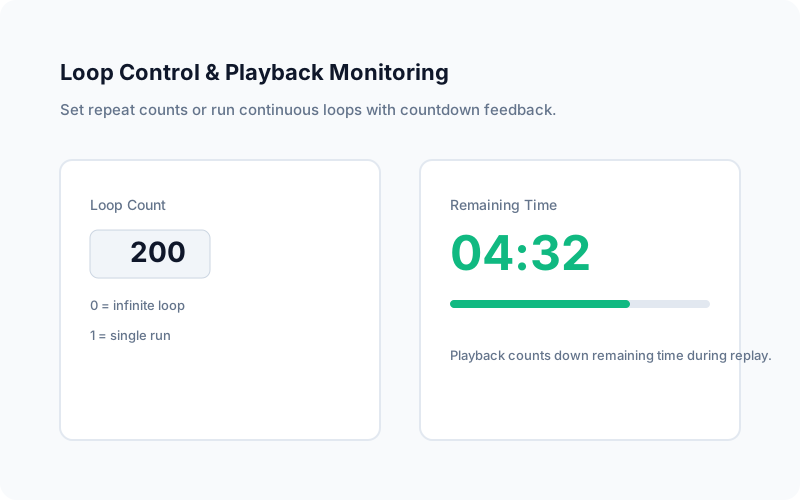
Set a custom repeat count or run your macro in a continuous loop until you manually stop it. The loop counter sits right on the toolbar. Type a number or use the arrows for precise control.
Playback now counts down remaining time during replay, giving you clear session tracking while macros run. Set the count to 1 for a single run, 50 for fifty repetitions, or 0 for an infinite loop that runs until you click Stop.
- ✓ Fixed repetitions for data-entry batches (10 to 500+ loops)
- ✓ Infinite loop mode with instant stop hotkey
- ✓ Remaining time countdown during playback
- ✓ Custom playback speeds added in version 1.62+
Advanced Distribution Controls
Compile Macros to Standalone EXE
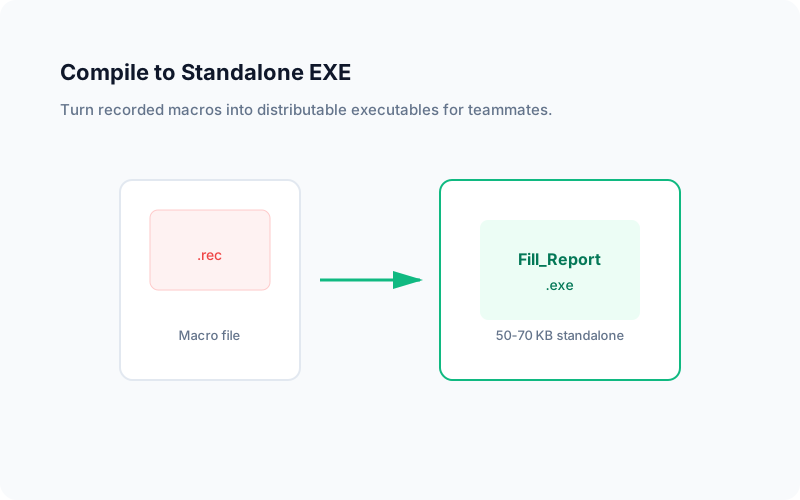
Turn any recorded macro into a standalone Windows executable. The compiled .exe runs the macro without requiring TinyTask to be installed on the target machine. Great for distributing automated routines to teammates who just need to double-click a file.
The generated EXE is typically around 50 to 70 KB (the original 36 KB runtime plus your recorded macro data). Optimizations for the Compile EXE feature were added in version 1.70. Anyone with a Windows PC can double-click the file to run the macro without learning macro software.
- ✓ One-click compile from the toolbar
- ✓ No TinyTask installation required on target PCs
- ✓ Ideal for corporate distribution to non-technical staff
- ✓ Combine with Windows Task Scheduler for timed execution
Performance Insights
Speed Control & Resource Efficiency
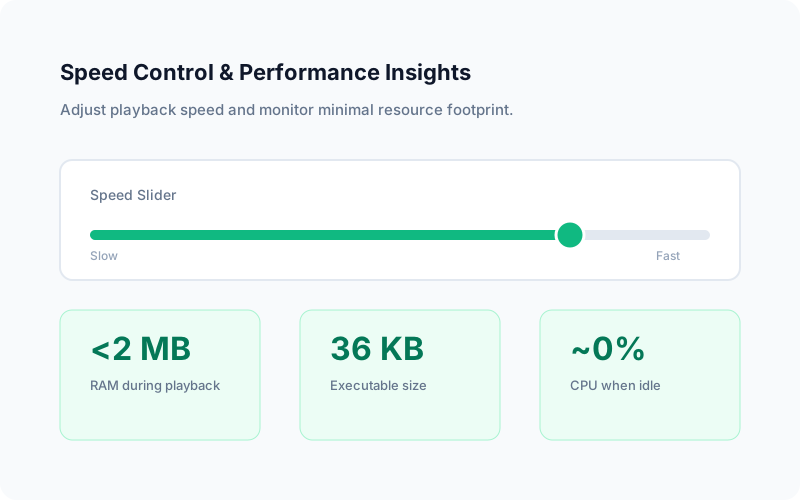
A built-in speed slider lets you play macros faster or slower than the original recording speed. Crank it up for batch operations where delays do not matter, or slow it down when the target application needs time to load between steps.
Written in pure C with no runtime dependencies, TinyTask typically uses less than 1 MB of RAM and virtually zero CPU when idle. Even during active recording or playback, the footprint stays under 2 MB. It will not slow down older hardware or compete with resource-hungry applications.
- ✓ Speed slider from slow motion to maximum acceleration
- ✓ Under 2 MB RAM during active playback
- ✓ 36 KB executable, smallest macro recorder available
- ✓ Runs on Windows XP through Windows 11
Custom Toolbar & Macro Files
Personalization & Macro Sharing
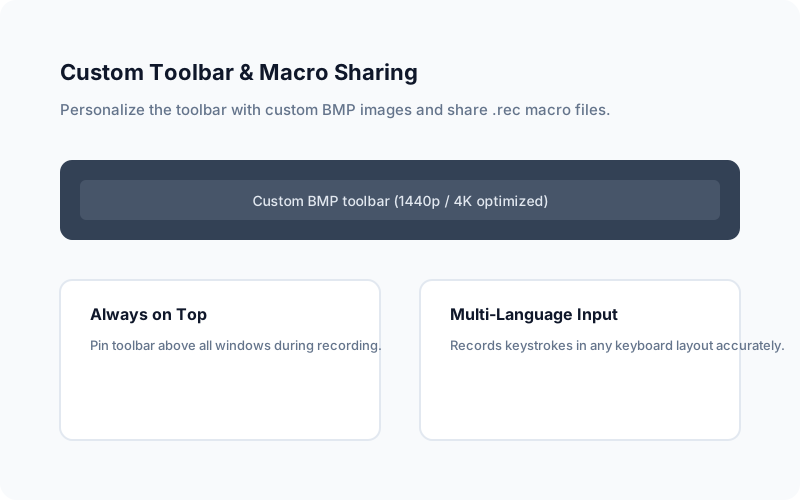
TinyTask 1.70 redesigned the UI with a larger toolbar for improved readability on 1440p and 4K monitors. Custom toolbar capability lets you use any BMP image for a personalized interface. Share .rec macro files with coworkers or back them up to cloud storage.
Additional quality-of-life features include Always on Top mode to pin the toolbar above all windows, Alt+Tab support for app switching during recording sessions, and a normal-sized caption bar for easier window management.
- ✓ Custom BMP toolbar images
- ✓ Always on Top pin for recording sessions
- ✓ Alt+Tab support during active recording
- ✓ Compact .rec file format for easy sharing
Complete Toolbar Reference
Open / Save
Load existing .rec macro files or save new recordings to disk for backup and sharing.
Record / Play / Stop
Core controls with red record circle, green play triangle, and square stop button on the toolbar.
Compile
Export any loaded macro as a self-contained executable for distribution without TinyTask installed.
Loop & Speed
Number spinner for repeat count and draggable speed slider for playback rate adjustment.
Ready to Try Every Feature?
Download TinyTask 1.77 and explore the full toolbar in under five minutes.
Download TinyTask